

- Published on
7 Essential AI Writing Tools for Faster Writing: I Was Wrong
- Authors

- Name
- Christopher Kvamme
- @MidnightBuild12
7 Essential AI Writing Tools for Faster Writing: I Was Wrong
Introduction
AI writing assistants flooded the market in 2024. Most promised to transform how I write. Most failed.
I spent months testing 12 different AI writing tools. Some genuinely changed my workflow. Seven drained my wallet with nothing to show.
TLDR Summary
- Best overall: ChatGPT Plus at $20/month
- Best for editing: Grammarly Pro at $12/month
- Best budget: Rytr at $9/month
- Best for SEO: Surfer at $69/month
- Best for teams: CopyAI at $49/month
- Avoid: Jasper, SudoWrite, Agent Factory
What I Tested
I tested these tools on real work: blog posts, marketing copy, email drafts, social media content, editing existing text. I looked at output quality, speed of workflow, how well they understood my writing style, and whether they actually saved time versus adding friction.
Tools that only pattern-matched text struggled. Tools that understood context and adapted to my voice delivered real value. If you want to organize what you write, check out how to build a second brain with AI.
The Shortlist
| Tool | Pricing | Usage | Best For |
|---|---|---|---|
| ChatGPT Plus | $20/month | Unlimited | Overall use |
| Grammarly Pro | $12/month | 2,000 AI prompts | Editing |
| Rytr | $9/month | 100k chars | Budget |
| WriteSonic | Free/25 | 10k-19k words | Copywriting |
| Jasper | $39/month | Unlimited | Business |
| Claude | Free/$20 Pro | Advanced reasoning | Long form |
| CopyAI | 1000/mo | Credits | Teams |
| Reword | $39/month | Unlimited | Collaboration |
| Surfer | $69/month | Unlimited | SEO |
| HubSpot | Free/$20 Starter | CRM included | HubSpot users |
| Agent Factory | Free/$49 Squad | Custom agents | Tech teams |
| SudoWrite | 3-day trial | Creative | Fiction |
Head to Head Criteria
Output Quality
ChatGPT Plus and Claude produced the cleanest, most natural writing. Grammarly excelled at catching errors without rewriting my voice. Jasper tended to use marketing fluff.
Speed and Friction
ChatGPT Plus and Claude were the fastest with minimal friction. Grammarly integrates everywhere so it feels natural. Rewrite and Surfer required more setup time.
Pricing Value
Rytr and WriteSonic offer solid value at low price points. Jasper and Surfer are expensive unless you do high-volume content marketing.
Winners
Best Overall: ChatGPT Plus
ChatGPT Plus dominates general writing. The GPT-4o model understands context, adapts tone perfectly, and handles everything from emails to blog posts. The $20/month pricing is steep but justified by versatility. It works best for anyone wanting one tool for everything.
Best for Editing: Grammarly Pro
Grammarly Pro catches errors I miss and suggests improvements without rewriting my voice. The 2,000 AI prompts per month limit is generous. At $12/month, it is affordable for the value. It integrates into browsers, Google Docs, and email clients.
Best Budget: Rytr
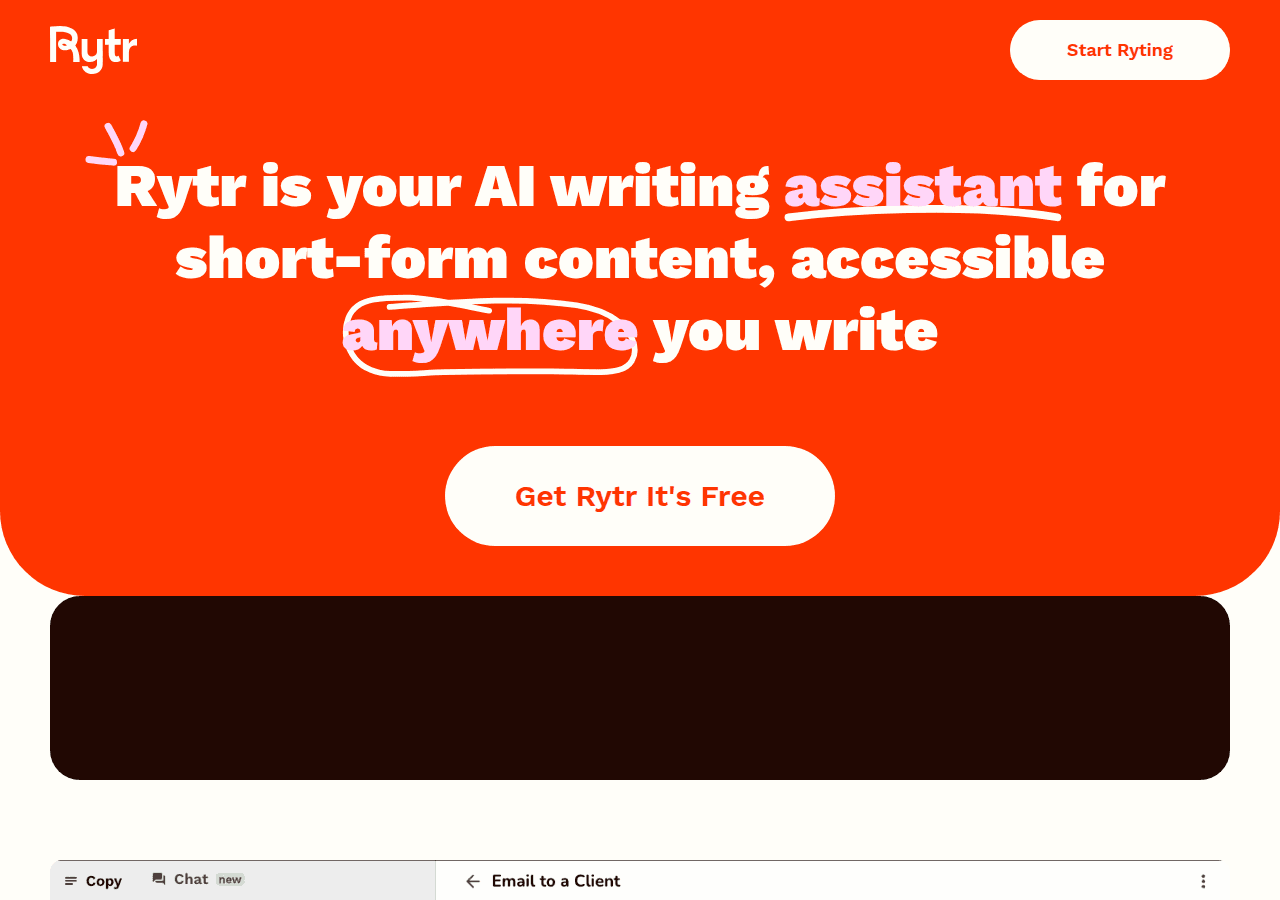
Rytr is simple and effective. 100,000 characters per month is substantial for $9. Output is not as sophisticated as premium tools, but for routine content it gets the job done. It works best for budget-conscious creators.
Best for SEO: Surfer
Surfer analyzes SERP data and optimizes content for search rankings. The $69/month pricing is high but justified if SEO drives your business. It works best for content marketers who need organic traffic.
Best for Teams: CopyAI
CopyAI combines AI writing with a full GTM workflow platform. Team collaboration, brand voice consistency, and workflow credits make it powerful. Pricing varies widely based on team size. It works best for content teams at scale.
Who Should Skip These Tools
Skip Jasper unless you do high-volume business content. The templates feel repetitive and output lacks distinct voice.
Skip SudoWrite. The 3-day trial is a trap to hook you into a subscription. Skip Agent Factory unless you have technical resources to build custom agents.
Sources
FAQ Section
Is it worth paying for AI writing tools?
Yes, if you write daily. ChatGPT Plus and Grammarly Pro pay for themselves in time saved. Budget tools like Rytr provide solid value at lower price points. Avoid tools that do not integrate into your workflow.
Do they replace human writers?
No. These tools speed up drafting and catch errors. They do not replace understanding your audience, strategy, and brand voice. Human editors remain essential for quality control and final polish.
Which tool handles long-form content best?
ChatGPT Plus and Claude handle long-form content best. They maintain context across sections and understand structure. Tools like Jasper and Rytr struggle with coherence beyond 1,500 words.
Is Grammarly worth the subscription?
Grammarly catches errors I miss and integrates everywhere. The $12/month pricing pays for itself if you write daily. If you only write occasionally, the free tier might be enough.
Do free tiers limit real productivity?
Yes. Free tools have output limits. Rytr's 100,000 characters per month is substantial for routine blogging. WriteSonic's free tier is more limiting but usable for occasional drafts.
Which tools understand my writing style?
ChatGPT Plus and Claude adapt best. They maintain context across sessions and remember my preferences. Tools like Jasper and Rytr struggle with personalization beyond basic tone settings.
Conclusion
ChatGPT Plus is the best overall pick for versatility and quality. Grammarly Pro excels at editing integration. Rytr offers the best budget option.
If you write primarily code, check out our AI code assistants comparison for tools that understand your repo.
Choose ChatGPT Plus for general writing, Grammarly for editing, Rytr for budget use. Test free tiers before committing to subscriptions.