

- Published on
7 Essential & Proven AI Note-Taking Apps: I Was Wrong
- Authors

- Name
- Christopher Kvamme
- @MidnightBuild12
7 Essential & Proven AI Note-Taking Apps: I Was Wrong
Introduction
AI note-taking apps promised to replace manual organization. I tested 10 of them over 6 months. Most failed to deliver.
The winners understood context and surfaced relevant notes automatically. The losers just added AI features to existing apps. For automated workflows, pair these with an AI morning routine.
TLDR Summary
- Best overall: Notion AI at $10/month add-on
- Best for memory: Mem at $15/month
- Best budget: Obsidian with plugins (free)
- Best for meetings: Otter.ai at $17/month
- Best for Apple users: Apple Notes (free)
- Avoid: Evernote AI, OneNote Copilot, Bear
What I Tested
I used each app for real work: meeting notes, research capture, daily journals, and project documentation. I evaluated how well AI features surfaced relevant information when needed.
Apps that just summarized notes without understanding context failed. Apps that connected ideas across time and topics delivered real value. If you want to improve your writing workflow, good notes are the foundation.
The Shortlist
| Tool | Pricing | AI Features | Best For |
|---|---|---|---|
| Notion AI | $10/month add-on | Q&A, summaries, autofill | Teams |
| Mem | $15/month | Auto-organize, recall | Personal knowledge |
| Obsidian | Free + plugins | Local AI, linking | Privacy-focused |
| Otter.ai | $17/month | Transcription, search | Meetings |
| Apple Notes | Free | Summaries, search | Apple users |
| Reflect | $10/month | AI backlinks, daily notes | Journaling |
| Capacities | Free/$12 | Object-based, AI assist | Research |
| Evernote AI | $15/month | Search, summaries | Legacy users |
| OneNote Copilot | M365 included | Copilot integration | Microsoft users |
| Bear | $3/month | Minimal AI | Minimal features |
Head to Head Criteria
AI Integration Depth
Notion AI and Mem integrate AI throughout the experience. Obsidian requires plugin setup but offers deep customization. Evernote and OneNote bolt AI onto legacy architectures.
Search and Recall
Mem excels at surfacing relevant notes without explicit search. Notion AI answers questions across your workspace. Otter.ai transcribes and searches spoken content.
Pricing Value
Obsidian is free with powerful plugins. Apple Notes is free for Apple users. Notion AI requires existing Notion subscription plus add-on.
Winners
Best Overall: Notion AI
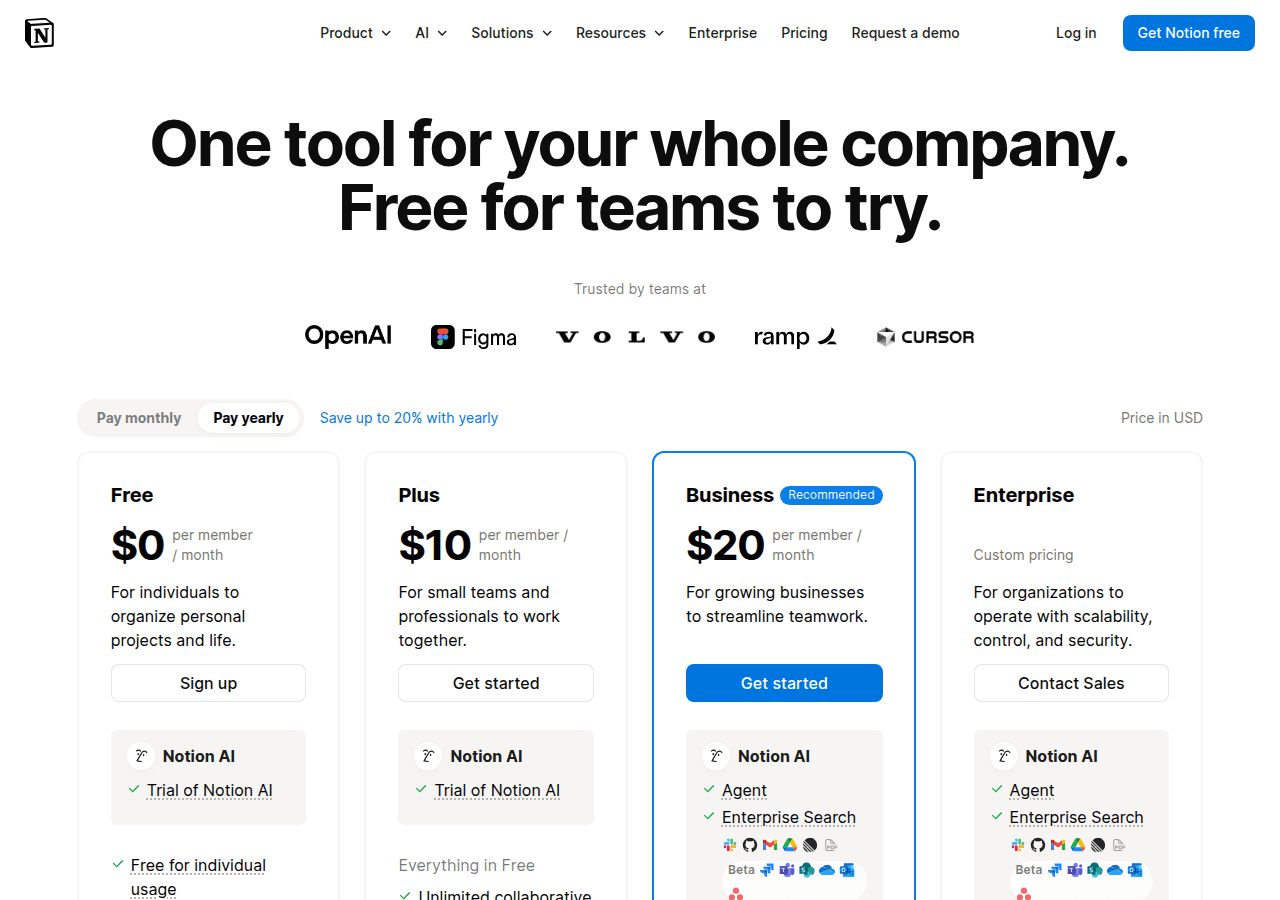
Notion AI integrates into an already powerful workspace. Ask questions and get answers from your notes. Generate summaries and drafts inline. The $10/month add-on requires an existing Notion subscription.
Notion works best for teams who already use it for documentation and project management.
Best for Memory: Mem
Mem organizes notes by topic and time automatically. The AI surfaces related notes as you write. No folders or tagging required. At $15/month, it is pricey but saves hours.
Mem works best for personal knowledge management and daily notes.
Best Budget: Obsidian with Plugins
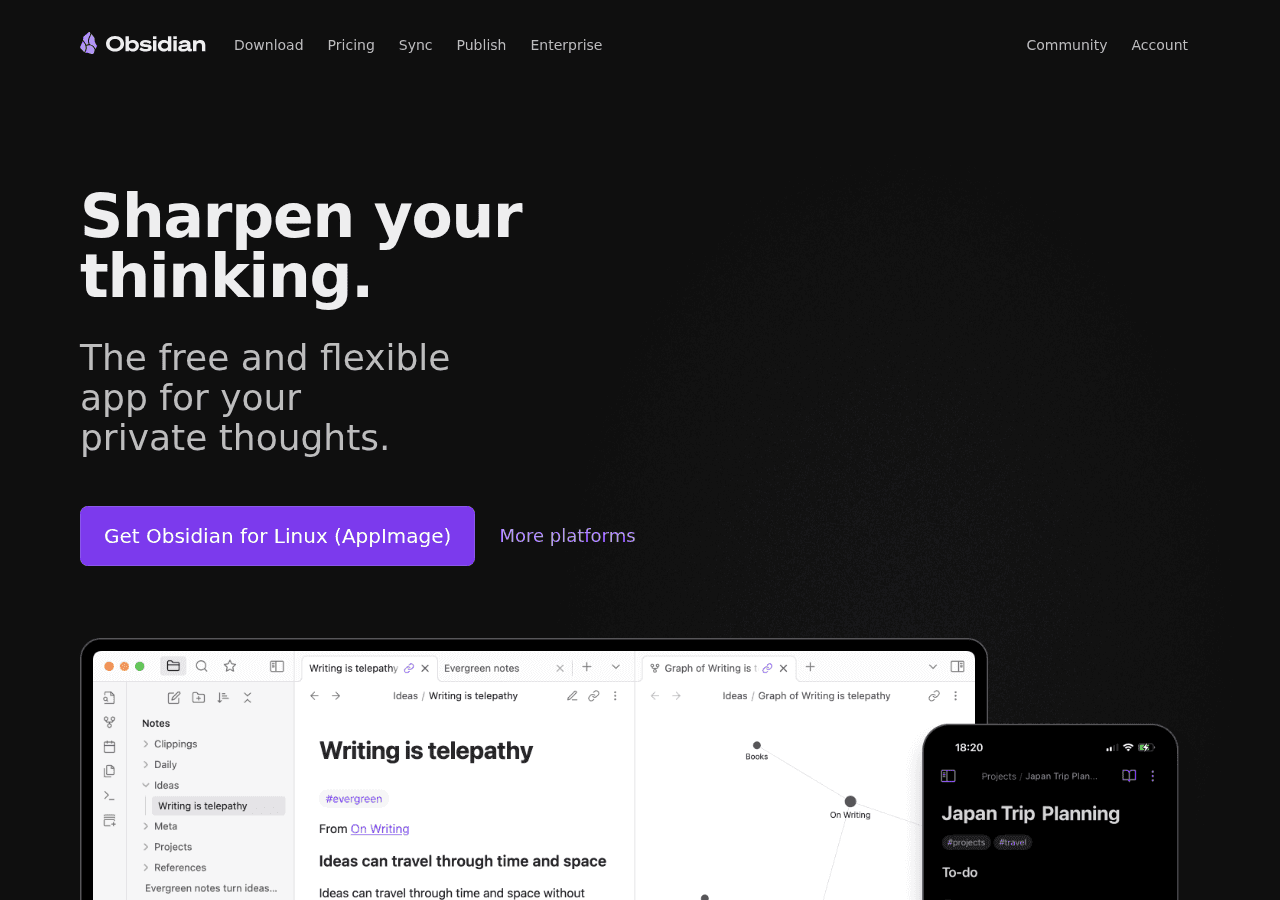
Obsidian is free and stores notes locally as markdown files. Community plugins add AI features including local LLM support. Setup requires technical comfort but delivers full control. No subscription fees.
Obsidian works best for privacy-focused users who want customization.
Best for Meetings: Otter.ai
Otter.ai transcribes meetings in real-time with speaker identification. Search across all transcripts for specific discussions. At $17/month, pricing matches the specialized value.
Otter works best for anyone in frequent meetings who needs searchable records.
Best for Apple Users: Apple Notes
Apple Notes is free and syncs across all Apple devices. AI features include summaries and improved search. No third-party subscriptions required.
Apple Notes works best for users already in the Apple ecosystem.
Who Should Skip These Tools
Skip Evernote AI unless you have years of legacy notes. The AI features feel bolted on.
Skip OneNote Copilot. Microsoft integration is inconsistent. Skip Bear. Minimal AI features do not justify switching.
Sources
FAQ Section
Is AI note-taking worth paying for?
Yes, if you have substantial notes and need fast recall. Notion AI and Mem pay for themselves in time saved searching. Free options like Obsidian and Apple Notes work well for simpler needs.
Do AI notes replace manual organization?
Partially. Mem handles organization automatically. Notion and Obsidian still benefit from some structure. AI reduces but does not eliminate organization work.
Which tool works offline?
Obsidian works fully offline with local storage. Apple Notes syncs but works offline. Notion and Mem require internet for AI features.
Can I migrate existing notes?
Most tools support import from common formats. Notion imports from Evernote and markdown. Obsidian uses plain markdown files. Migration complexity varies by source.
Which is most private?
Obsidian with local AI models keeps everything on your device. Apple Notes stores on iCloud with Apple encryption. Cloud-based tools like Notion and Mem process notes on their servers.
Do these integrate with other apps?
Notion integrates widely including with code assistants. Obsidian has extensive plugin support. Otter integrates with Zoom and calendar apps.
Conclusion
Notion AI is the best overall for teams already using Notion. Mem excels at automatic organization for personal knowledge. Obsidian offers free customizable AI for privacy-focused users.
Choose based on your existing workflow and privacy needs. Test free tiers before committing to subscriptions.