

- Published on
OpenClaw Second Brain: 7 Proven Steps for Faster Recall
- Authors

- Name
- Christopher Kvamme
- @MidnightBuild12
OpenClaw Second Brain: 7 Proven Steps for Faster Recall
Introduction
My notes were scattered across five apps. Finding anything meant searching through Notion, Apple Notes, random text files, and Slack messages. I spent more time looking for information than using it.
Now I just ask my OpenClaw agent: "What did I decide about the pricing strategy last month?" and it tells me.
No searching. No remembering which app I used. No folder diving.
TLDR Summary
- Setup time: 10 minutes of conversation
- What it does: Remembers everything, recalls anything on demand
- Organization required: None. The AI organizes for you.
- Best for: Anyone drowning in scattered notes and information
What is a Second Brain?
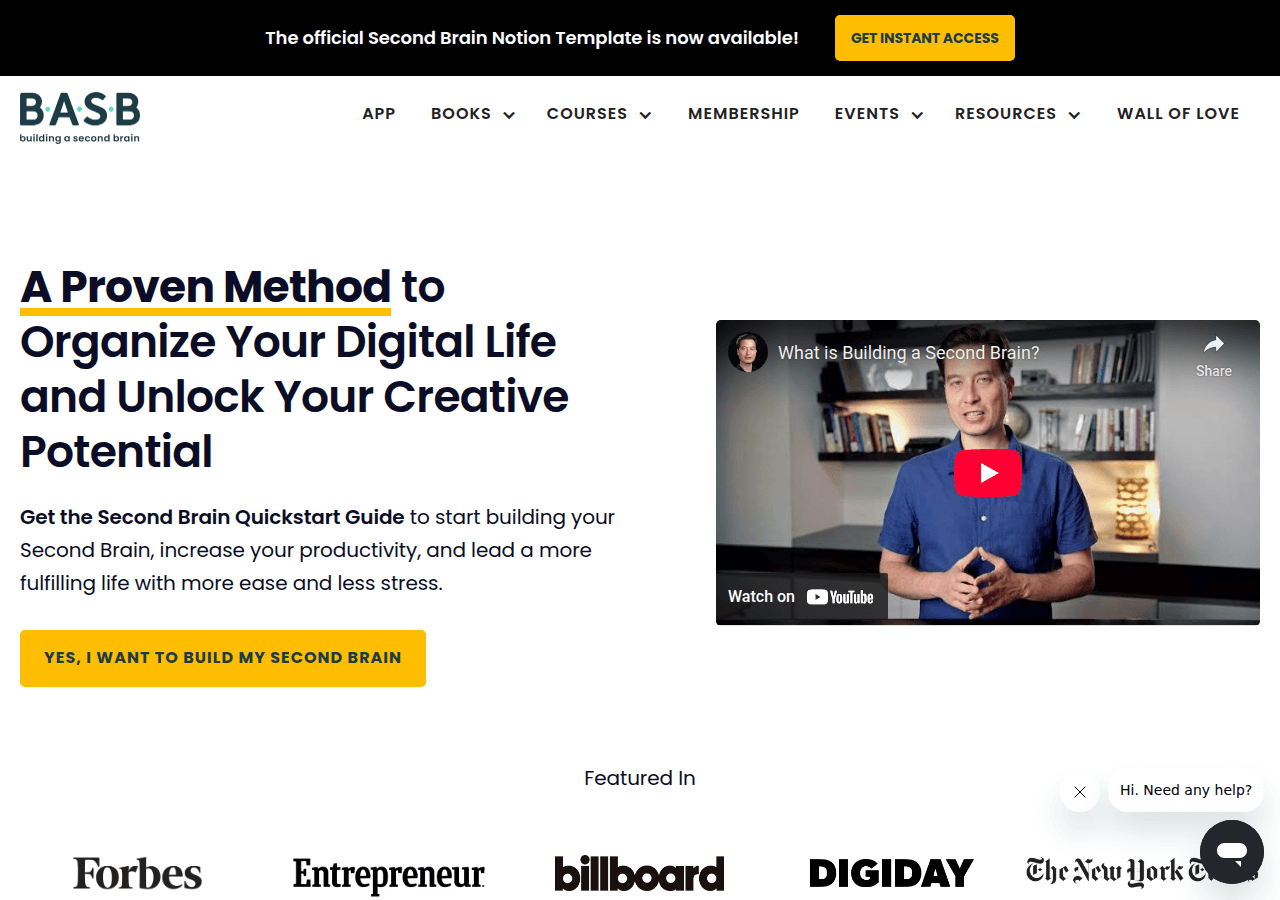
A second brain is a system that remembers things for you. Traditional second brains require you to organize everything manually. Tags, folders, links between notes.
An OpenClaw second brain is different. You dump information in. Your agent organizes it. You ask for anything and get it back.
The robot does the boring work. You do the thinking.
Step 1: Tell Your Agent to Start Remembering
"I want you to be my second brain. Remember everything important I tell you. When I ask about something later, recall the relevant information."
That's it. Your OpenClaw agent (the community sometimes calls it OpenClawd) now knows its job.
Step 2: Start Capturing
When you learn something, tell your agent:
"Remember this: The client prefers blue over green for the logo. They mentioned this in our March 5th call."
"Save this for later: The API rate limit is 100 requests per minute. Found this in their docs today."
"Note to self: The dentist appointment needs to be rescheduled to after the product launch."
You don't need special syntax. Just talk naturally.
Step 3: Ask for Anything Back
Later, when you need information:
"What did the client say about logo colors?"
"What's the API rate limit for that service we integrated?"
"Do I have any appointments I was supposed to reschedule?"
Your agent searches its memory and gives you the answer. No hunting through apps.
Step 4: Let It Connect the Dots
The MoltClaw approach shines here. Your agent can:
"What decisions did I make about the product launch?"
It pulls together information from multiple conversations, even if you never explicitly linked them.
"What do I know about Client X?"
It aggregates everything you've ever mentioned about that client.
Step 5: Build Daily Habits
Tell your agent to prompt you:
"Every evening at 8pm, ask me what I learned today and what decisions I made."
This creates a capture habit. Your agent asks, you answer, information gets saved automatically.
Step 6: Review and Surface
"What are the 5 most important things I've noted this week?"
"What decisions am I still waiting on?"
"Is there anything I told you to remind me about?"
Your agent becomes a personal knowledge assistant, not just storage.
Step 7: Forget About Organization
Here's what you're NOT doing:
- Creating folders
- Tagging notes
- Linking ideas manually
- Maintaining a system
- Doing weekly reviews to keep it organized
The agent handles all of that. You just capture and recall. That's the whole system.
Real Examples
Capturing a meeting insight:
"Remember: The engineering team wants to delay the launch by 2 weeks for more testing. Sarah mentioned production stability is a concern. Discussed in today's standup."
Recalling later:
"Why did engineering want to delay the launch?"
Agent response: "In your March 5th standup, Sarah from engineering requested a 2-week launch delay due to production stability concerns. They wanted more time for testing."
Connecting information:
"What are all the concerns people have raised about the launch?"
Agent response: "Based on your notes: Engineering wants more testing time (Sarah, March 5). Marketing is worried about the press release timing (Jake, March 3). Sales asked if we can soft-launch to existing customers first (Maria, March 1)."
You never created a "launch concerns" folder. The agent figured it out.
Troubleshooting
Agent forgetting things?
"Are you remembering what I tell you? What do you know about the product launch?"
Check if memory is working correctly.
Too much information coming back?
"Give me shorter answers. Just the key facts, not full context."
Want to delete something?
"Forget what I told you about the old pricing strategy. That's no longer relevant."
Sources
FAQ
Do I need to organize anything?
No. The agent organizes information by topic, time, and relevance automatically. You just dump things in and ask for them back.
How is this different from just using ChatGPT?
OpenClaw persists memory across sessions. ChatGPT forgets everything when you close the window. Your OpenClaw agent remembers conversations from months ago.
What if I want to see all my notes?
"Show me everything I've noted this week about work."
Your agent can list, summarize, or export your notes.
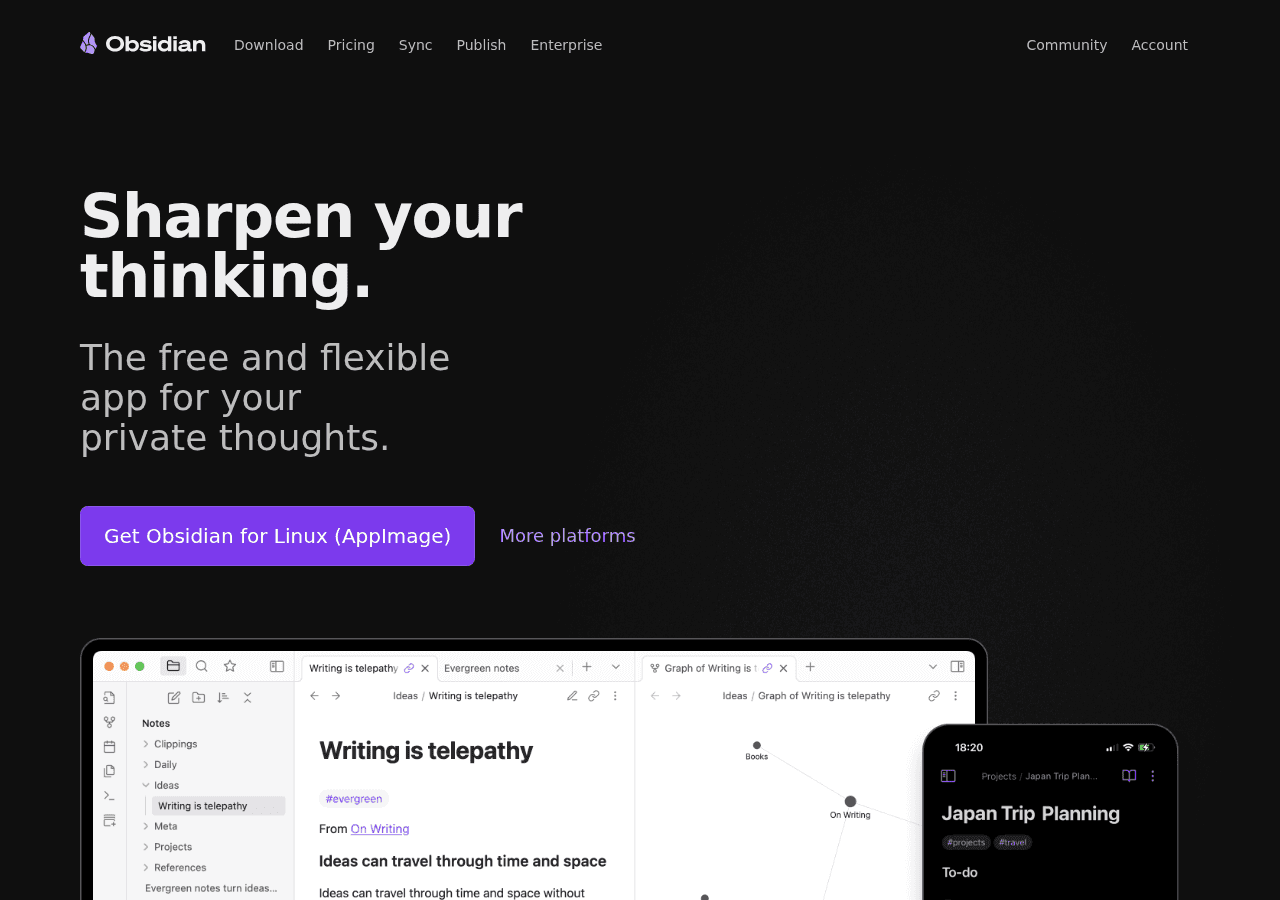
Can it replace Notion/Obsidian/Roam?
For personal knowledge capture, yes. You might still want those tools for publishing or sharing. But for "remember this, recall it later" - OpenClaw is simpler.
How much does it cost?
OpenClaw is free. API costs run about $0.01-0.05 per interaction. A few dollars per month for heavy use.
What about privacy?
Your notes are stored in your OpenClaw workspace. Check the OpenClaw docs for details on data handling.
Conclusion
A second brain with OpenClaw means: tell the agent stuff, ask for it later. No organization. No maintenance. No system to learn.
The robot remembers. You think.
Want your second brain to deliver a daily summary? Set up an OpenClaw morning automation to surface your most important notes each day. For better note-taking tools, check out our AI note-taking apps comparison.
New to OpenClaw? Start with the Telegram setup guide on Stack-Junkie to connect your agent in 5 minutes. If you want to organize conversations by topic, see the guide on using Telegram groups with OpenClaw. For running OpenClaw 24/7, check out the DigitalOcean VPS setup guide. To lock down your agent, read the OpenClaw security guide.