

- Published on
7 Essential AI Code Assistants for Faster Coding: I Was Wrong
- Authors

- Name
- Christopher Kvamme
- @MidnightBuild12
7 Essential AI Code Assistants for Faster Coding: I Was Wrong
Introduction
AI code assistants have evolved from simple autocomplete to full codebase understanding. If you've looked at AI writing assistants, you know tools vary widely in quality.
I spent weeks testing the top tools to see which ones actually deliver value versus just adding noise.
TLDR Summary
- Best overall: Cursor - Full codebase understanding, fast, $20/month
- Best for teams: GitHub Copilot - Works everywhere, $10/month
- Best for refactors: Claude Code - Strong reasoning, handles large context, $20/month
- Best budget: Cline - Open source, free, runs locally
- Best for new devs: Tabnine - Predictive, low friction, $12/month
What I Tested
I tested these tools on real work: debugging API issues, refactoring components, adding features, writing tests. I looked at code quality, how well they understood the project, speed of workflow, and whether they got in the way.
Tools that only pattern match struggled. Tools that understand the codebase delivered real value.
The Shortlist
| Tool | Pricing | Context | Best For |
|---|---|---|---|
| Cursor | $20/month pro | 200k tokens | Power users |
| Claude Code | $20/month | 200k tokens | Refactors, reasoning |
| GitHub Copilot | $10/month | ~50k tokens | Teams, enterprise |
| Cline | Free | Local model | Budget, privacy |
| Tabnine | $12/month | ~75k tokens | New developers |
| Codex | Usage-based | Flexible | API workflows |
| Windsurf | Free tier | 100k tokens | Frontend work |
| Codeium | Free tier | Large | Teams needing privacy |
| Replit AI | $20/month | 100k tokens | Quick prototypes |
Head to Head Criteria
Code Quality
Cursor and Claude Code produced the cleanest code. They understood the codebase, avoided breaking changes, and followed existing patterns. GitHub Copilot was reliable but sometimes suggested outdated patterns.
Context Handling
Claude Code and Cursor handled large context best. Claude Code especially shines with 200k token context for analyzing entire files and modules. GitHub Copilot has limited context and sometimes missed related functions.
Speed and Friction
Cursor is fast with minimal friction. Claude Code is fast but requires more prompts. GitHub Copilot is integrated into editors so it feels natural.
Winners
While AI writing assistants help with content creation, code assistants need to understand logic and patterns.
Best Overall: Cursor
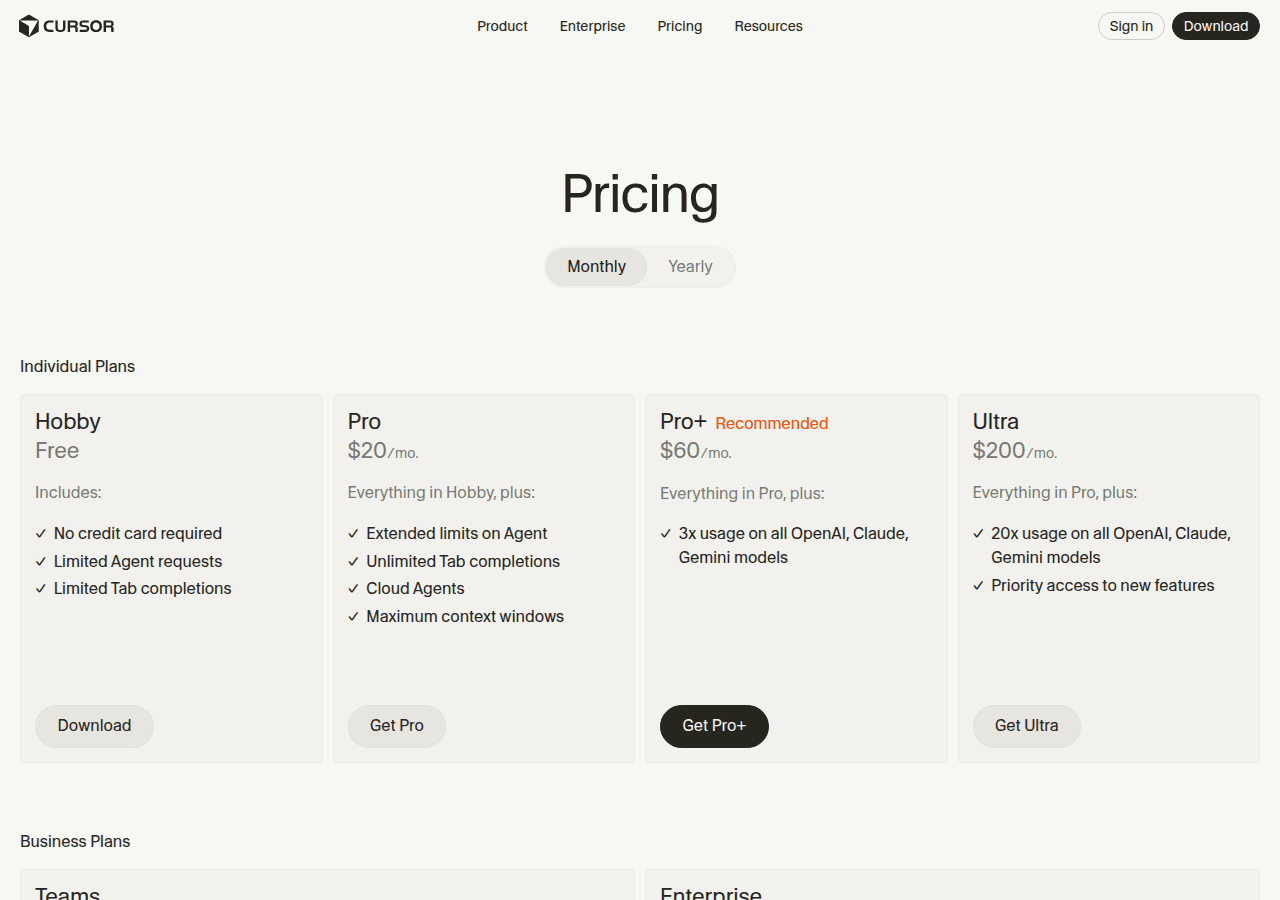
Cursor understands your full codebase. It remembers context across files, suggests relevant code, and refactors without breaking things. The $20/month pricing is reasonable for the value. It works best for power users who want deep codebase intelligence.
Best for Refactors: Claude Code
Claude Code excels at understanding large context and reasoning through complex changes. It handles 200k tokens, analyzes entire files, and produces well-reasoned refactors. It is slower to start but delivers better results on complex tasks.
Best for Teams: GitHub Copilot
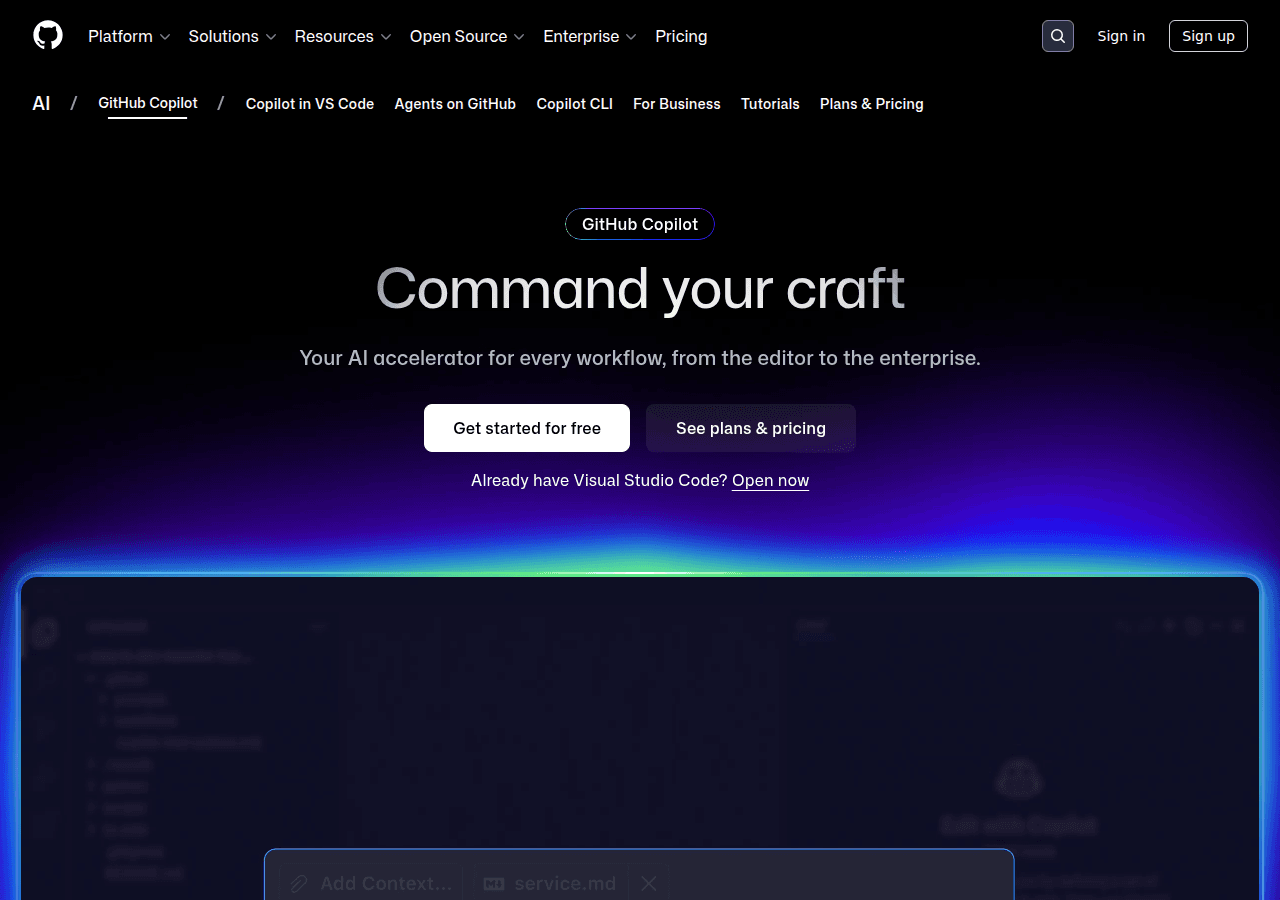
GitHub Copilot works across all major editors and integrates seamlessly with GitHub. The $10/month pricing makes it accessible for teams. It is less powerful than Cursor or Claude Code but the ubiquity makes it the default choice for many organizations.
Best Budget: Cline
Cline is open source and free. It runs locally, supports multiple models including open source options, and handles basic coding tasks well. It lacks the polish of paid tools but provides solid value at zero cost.
Best for New Developers: Tabnine
Tabnine focuses on predictive suggestions that are easy to understand and apply. It has a low learning curve and helps new developers learn patterns without overwhelming them. At $12/month it is accessible and delivers predictable value.
Who Should Skip These Tools
Skip these tools if you work in very small codebases where autocomplete is sufficient. Skip if you work on highly sensitive code that cannot leave your environment unless using a local-only tool like Cline with an offline model.
Skip if you find the friction of managing context outweighs the benefits.
Sources
FAQ Section
Is it safe for proprietary code?
Most tools process code in the cloud. Cline with a local model is fully private. Some enterprise tools like Codeium and GitHub Copilot offer private modes that do not use your code for training. Check the tool's data handling policy before use.
Do they replace junior developers?
No. These tools automate repetitive work and help with patterns, but they do not replace understanding requirements, architectural decisions, and business logic. Junior developers using these tools still need mentorship and experience to grow.
Which tool handles large codebases best?
Claude Code and Cursor handle large codebases best. Claude Code supports 200k tokens context and can analyze entire files. Cursor maintains context across files and remembers relevant code. GitHub Copilot struggles with large context due to limited token capacity.
Are free tiers worth using?
Free tiers from tools like Cline, Codeium, and Windsurf provide solid value for individual developers. They often have lower context limits and fewer features but are good starting points. Upgrade to pro tiers when you hit limits or need advanced features.
Conclusion
Cursor is the best overall pick for its balance of codebase understanding, speed, and pricing. If you're exploring AI tools beyond coding, check out our best AI image generators comparison as well. For a detailed head-to-head on the two most popular choices, see our Cursor vs GitHub Copilot comparison. Claude Code excels at complex refactors and reasoning-heavy tasks. GitHub Copilot remains the default for teams due to ubiquity and reasonable pricing.
Choose Cursor for power user workflows, Claude Code for deep understanding and refactors, GitHub Copilot for team compatibility, Cline for free and private use, Tabnine for ease of learning.
For a detailed breakdown of which AI tools are worth paying for and which to skip, see AI tools I actually pay for and why on Stack-Junkie.
Test the tool that fits your workflow before committing. Most offer free trials or tiers so you can verify the value before paying.